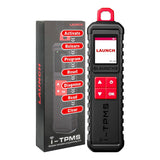
Launch X431 i-TPMS TPMS Tire Pressure Detector

Father's Day Deals: Up to 40% OFF
*Free DiagDirect on orders over $399
*Free BST 360 on orders over $699
$179.00 $119.00
To United States: Delivered
Ship from New Jersey or Los Angeles, United States
Out of Stock – Restocking Soon
Free, Fast US Shipping

US Free shipping. It usually takes 3-5 business days for your package to be delivered, so you can sit back and relax, worry-free. If the item is out of stock, it may take 7–15 days to restock. Thanks for your patience. *Please see our shipping policy for more details.

30-Day Money-Back
30-Day Money-Back

Return undamaged products within 30 days for a full refund. Refunds are processed after the returned item has been received and inspected. Please refer to our Refund Policy for full details and requirements.

Hassle-Free Warranty

We provide a straightforward, hassle-free warranty to save you some headaches. If you have any question about the warranty, feel free to contact us at service@launchx431online.com.

Lifetime Customer Support

We’re committed to providing ongoing support for the lifetime of your product. For any questions or concerns, please contact us at service@launchx431online.com.

  • Mastercard
  • Visa
  • American Express
  • PayPal
  • Maestro
  • Google Pay
  • Apple Pay
  • Discover
  • Diners Club
  • JCB
  • Klarna
  • Afterpay
  • Description
  • Comparison
  • Customer Review
  • Authorization file
  • Shipping
  • 30-Day Return or Replacement
Description

Warm Notice: If you are not sure whether this product is compatible with your vehicle or supports the functions you need, please contact our customer service first. Otherwise, for non-quality-related returns, the return shipping cost will be borne by the customer.
Email: service@launchx431online.com

LAUNCH X431 i-TPMS TPMS PROGRAMMING TOOL

X431 I-TPMS

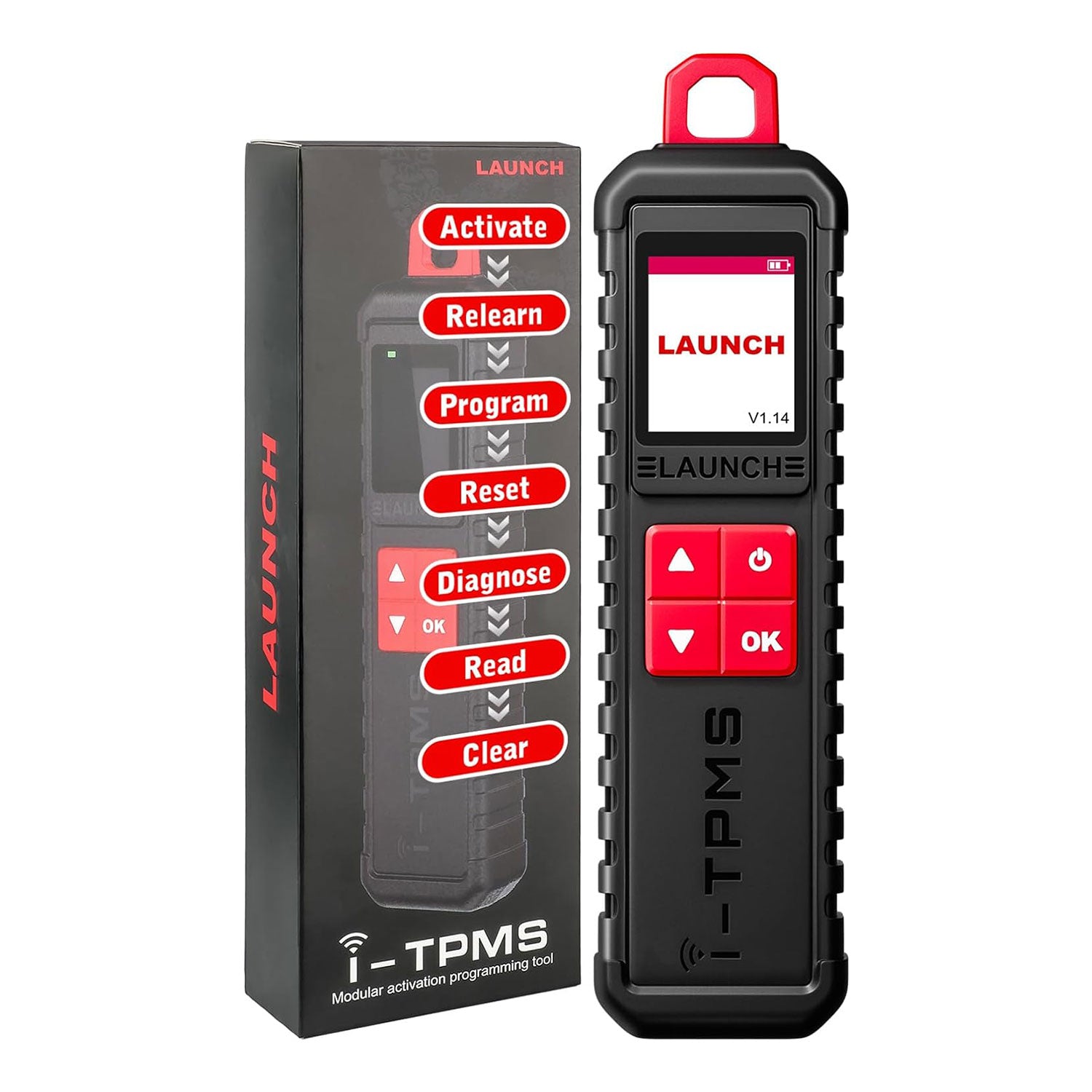
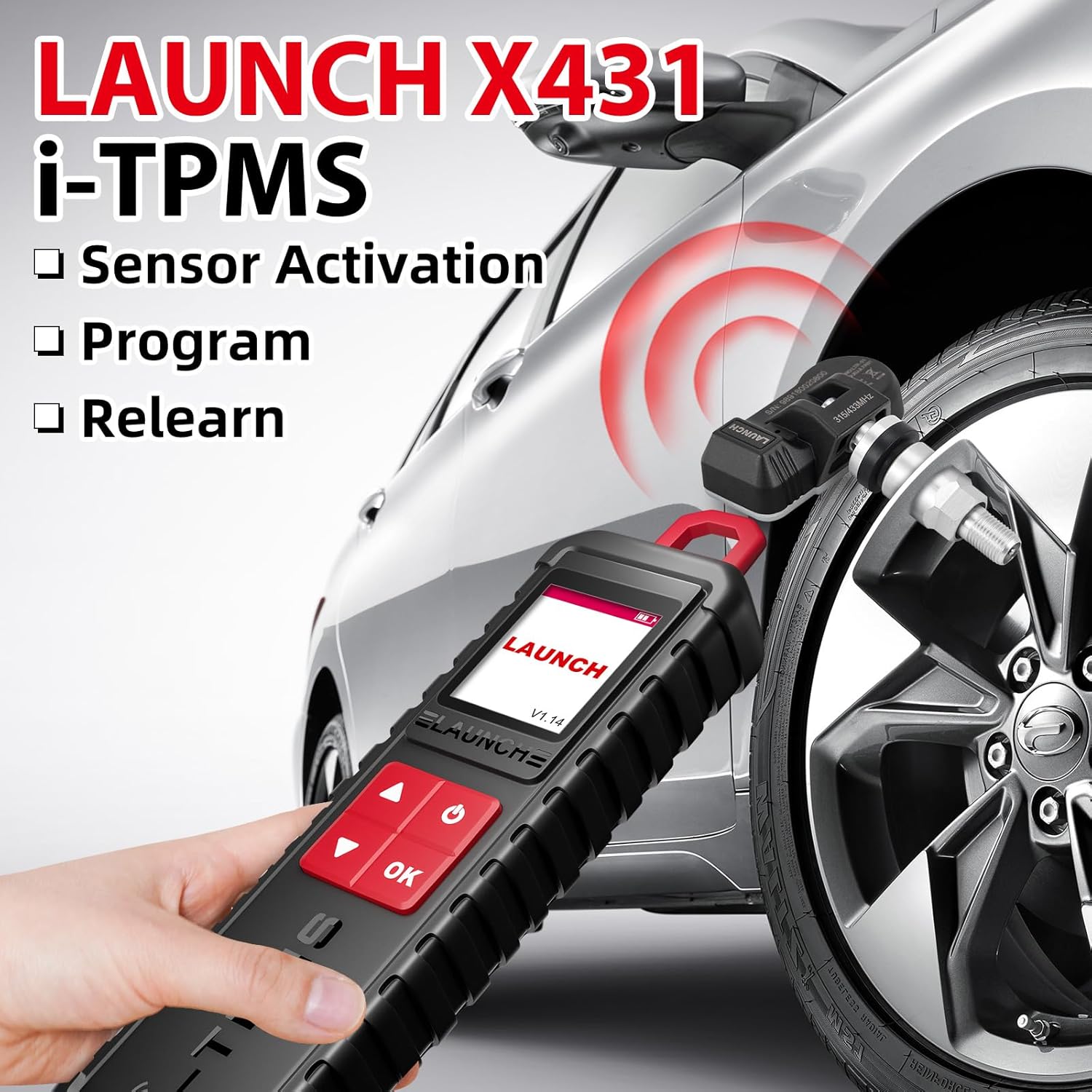
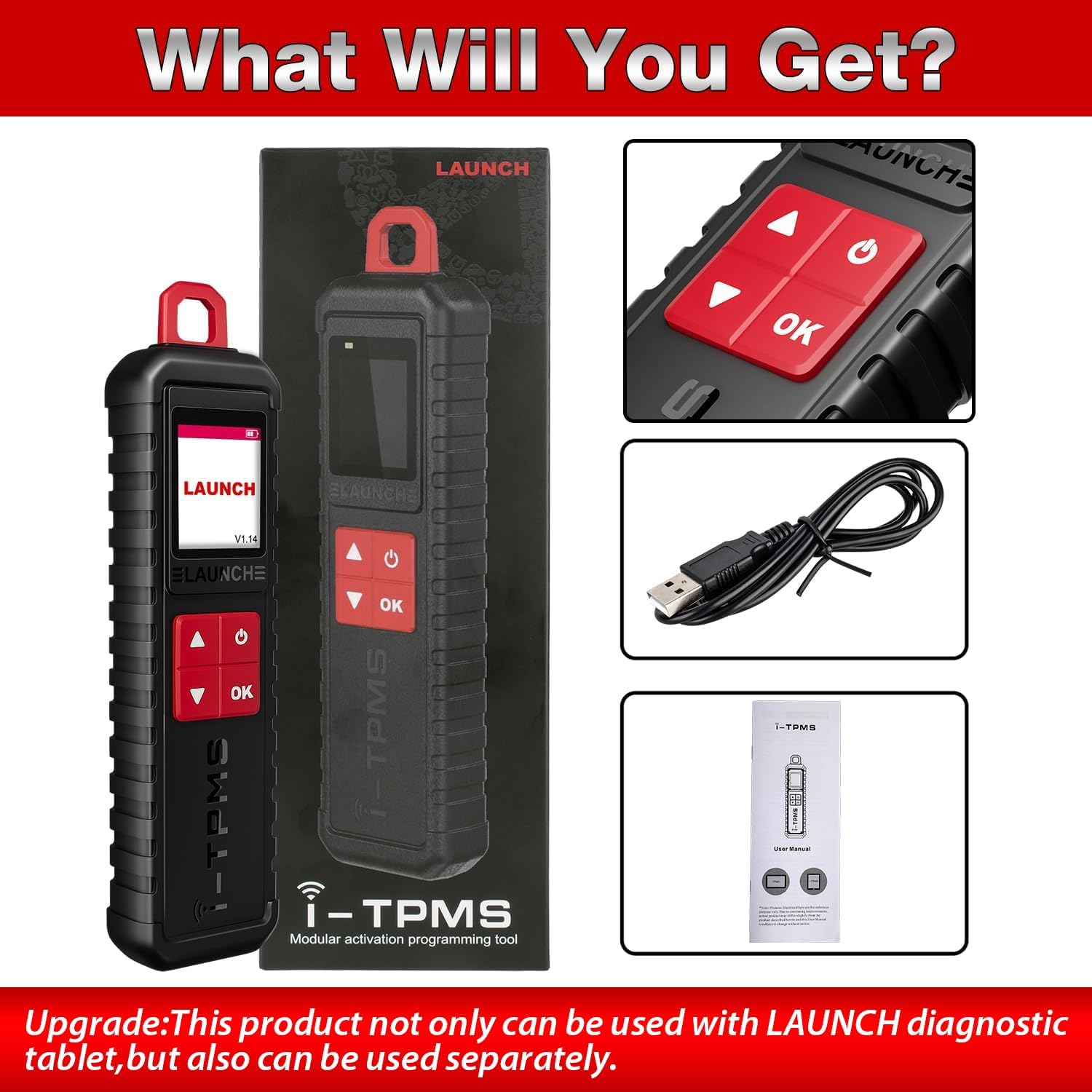
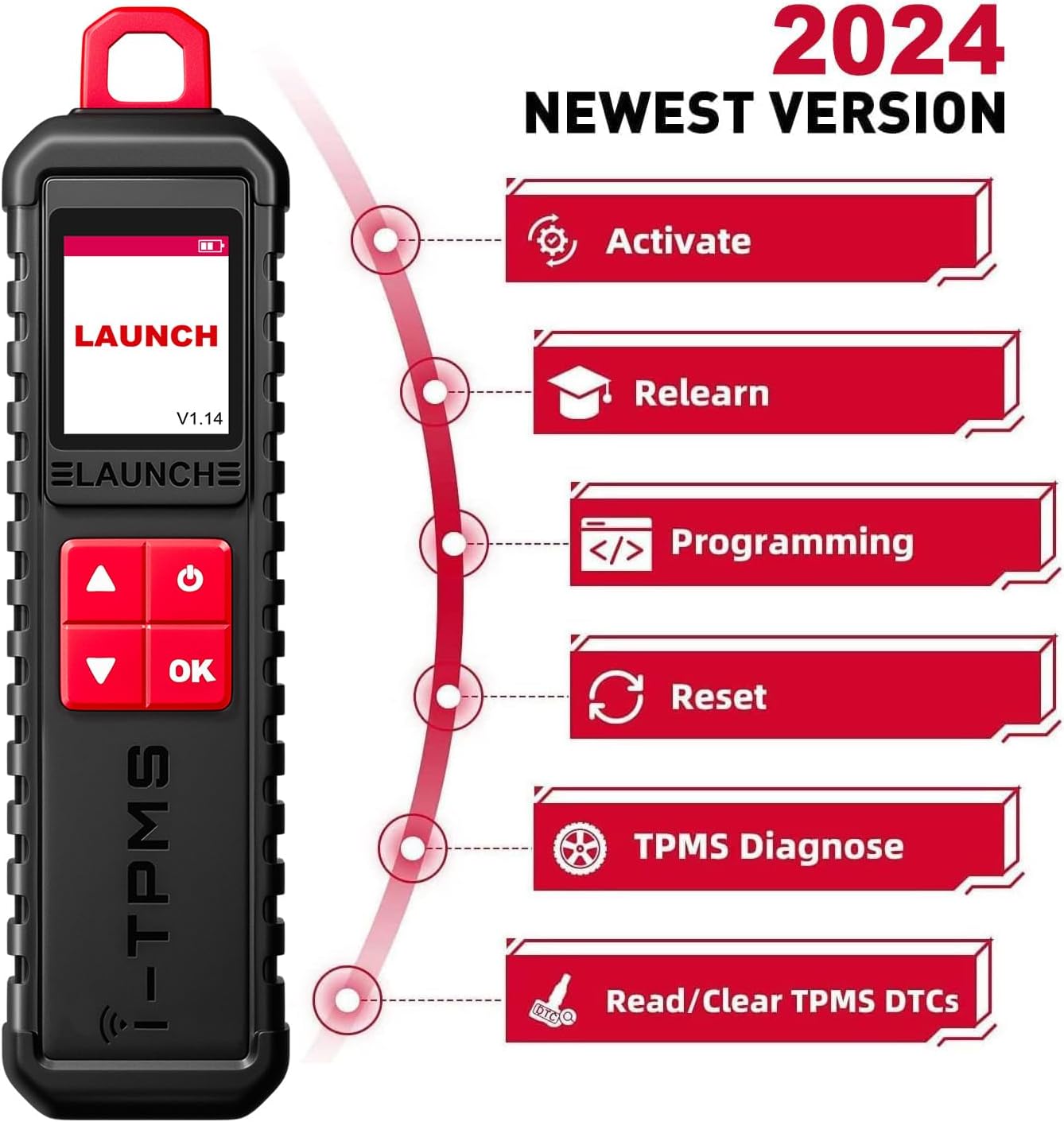
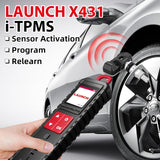
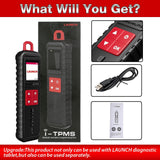
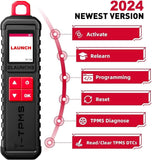
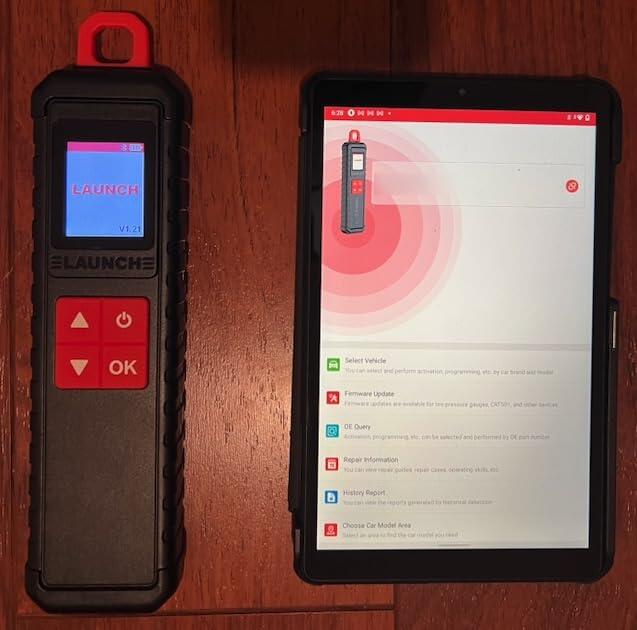
2024 LAUNCH X431 i-TPMS is the upgrade of x431 tsgun,it supports all of the function of x431 ts gun such as TPMS Active/Relearn/Programming Tool can program launch sensors 315 MHz and 433 MHz.(PS: Only can program launch sensors) , It also works standalone via tpms app.(Only for Android System)

What is the Difference Between 2024 LAUNCH x431 i-TPMS and previous x431 tsgun?

1.They are all support 315/433MHz sensors's activation,programming,relearning and diagnosis.

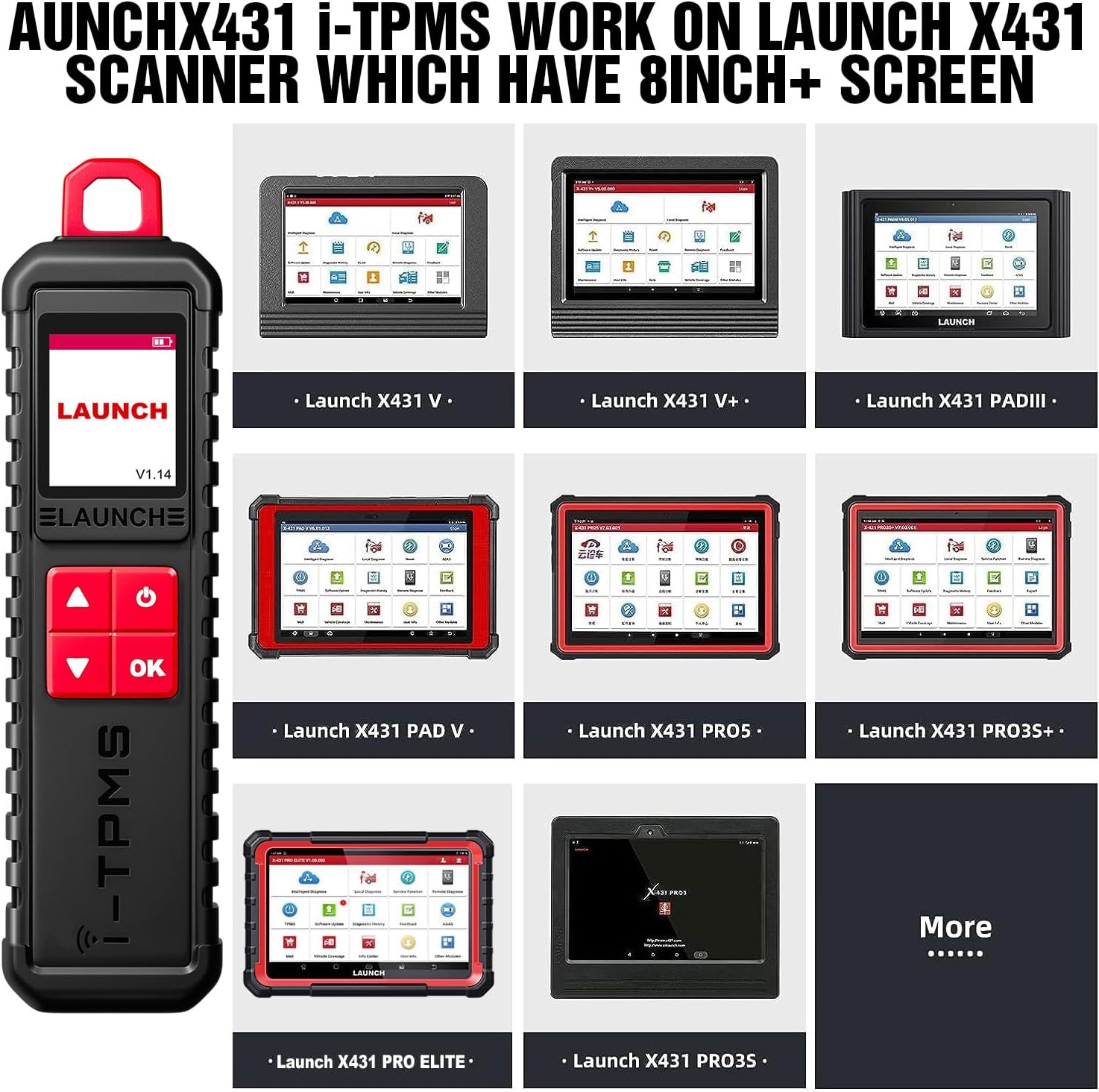
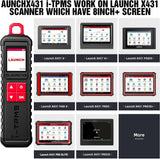
2.Difference 1: The original x431 tsgun must be conbine with the x431 series scanners,while the 2024 launch x431 i-TPMS can work standalone via i-tpms app in your Android phone.

3.Difference 2:x431 i-TPMS can not only be selected by car brand and model but can be selected by OE part number directly and faster,while the tsgun can only support be selected by car brand and model.

4.Difference 3:x431 i-TPMS support multiple online repair resources including Operating Skills,DTC Help,Tech Handbook,Repair Case,Tire Pressure Maintenance Database for you to diagnostic and repair.

2024 LAUNCH X431 i-TPMS Tire Pressure Detector, Activate/Relearn/Program Sensors

2

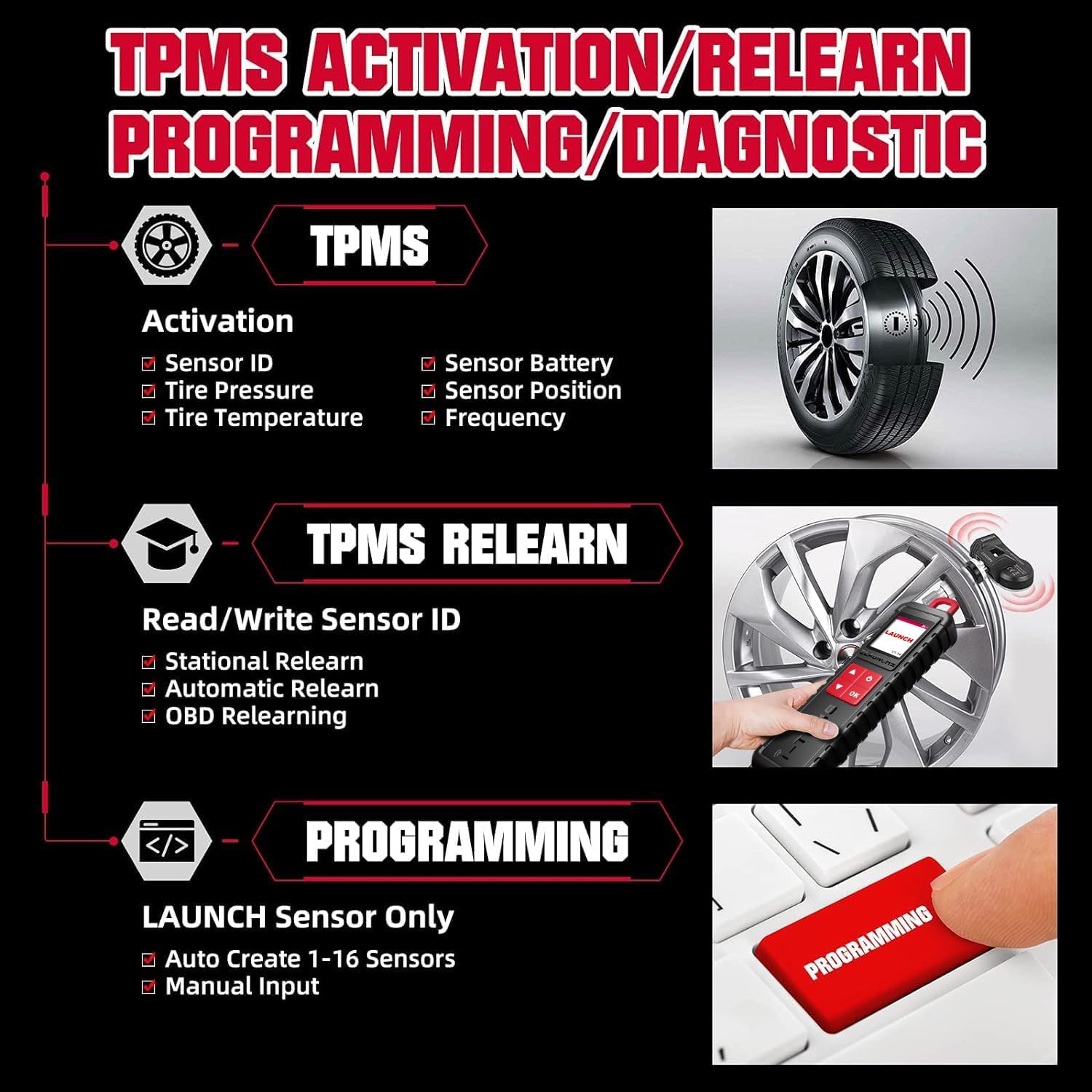
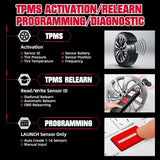
Complete TPMS Functions:

Activates all universal TPMS sensors.

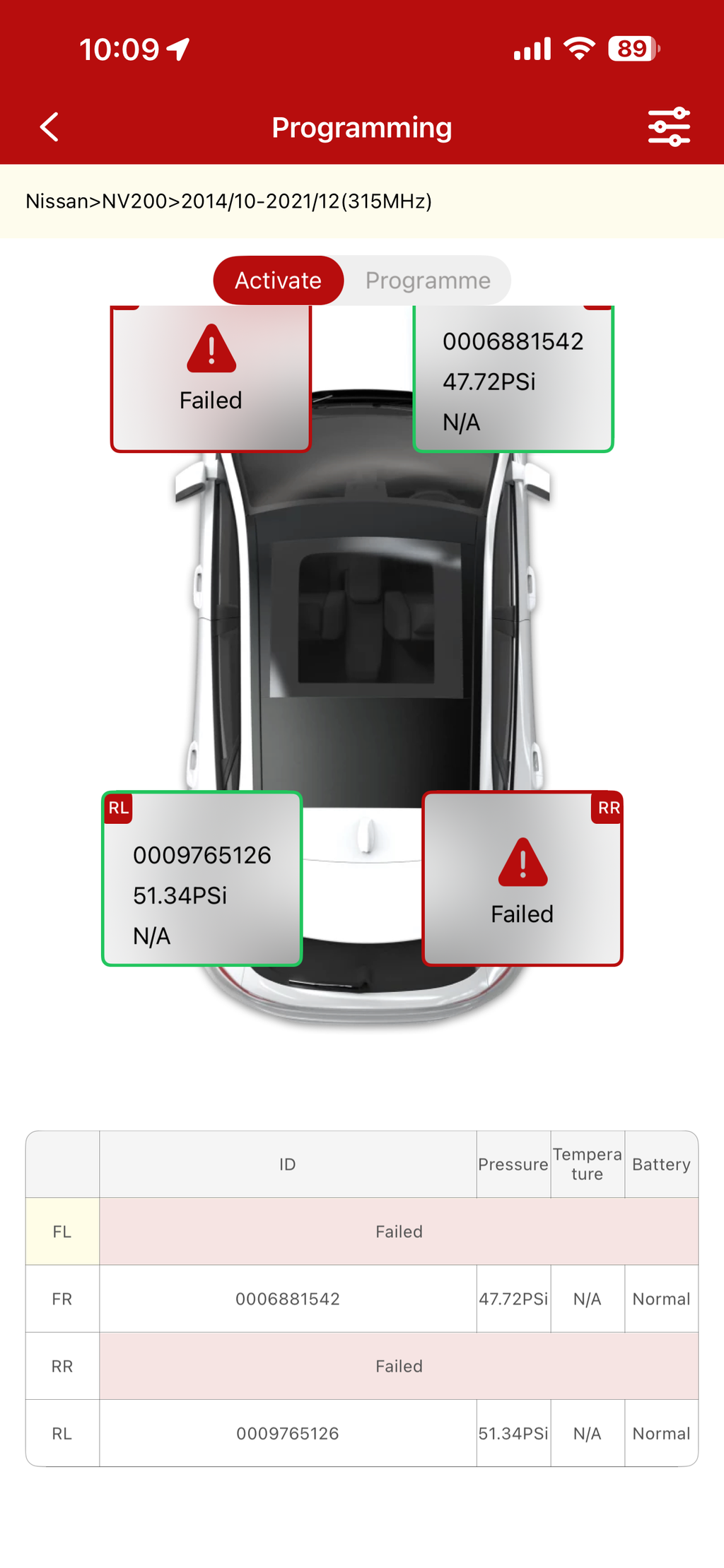
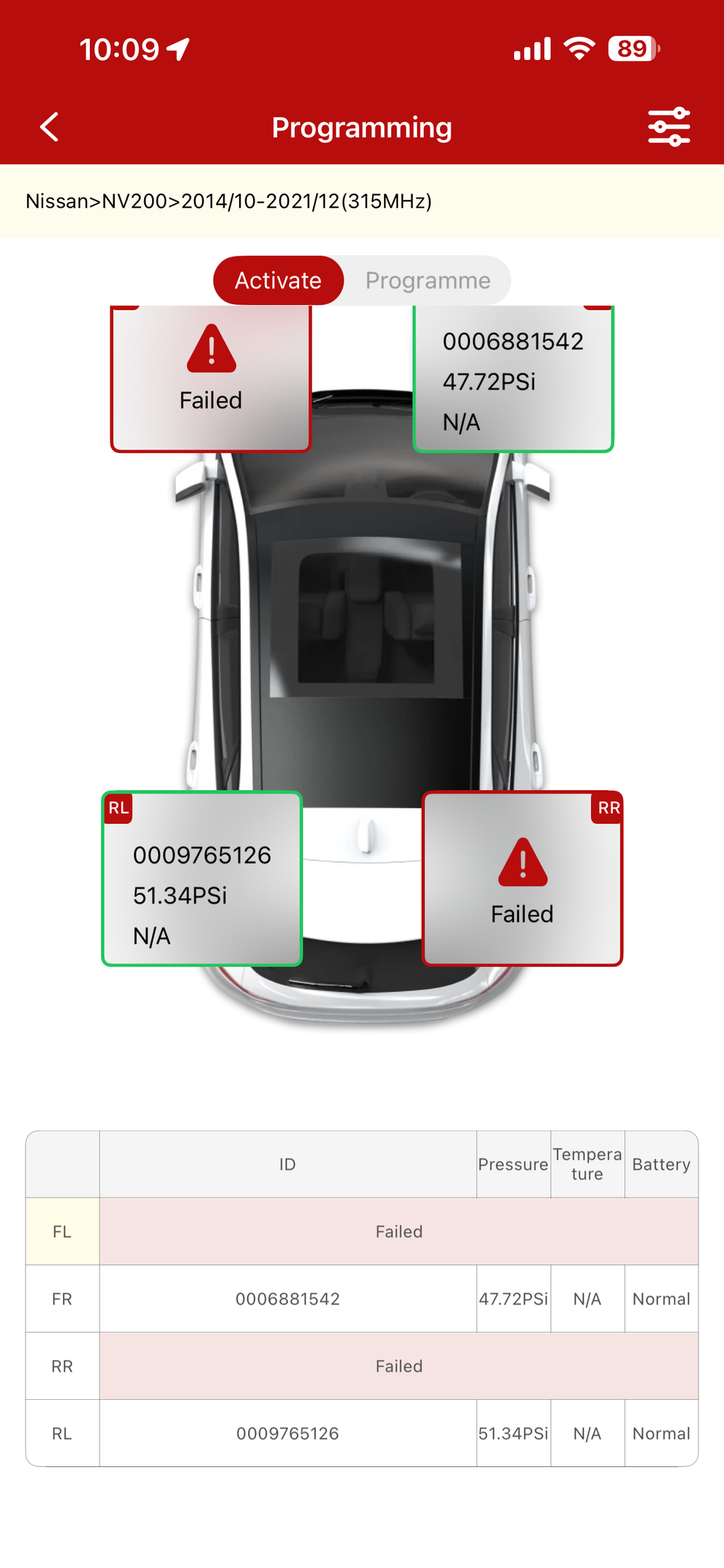
Reads sensor data including sensor ID, tire pressure, temperature, battery condition ect.

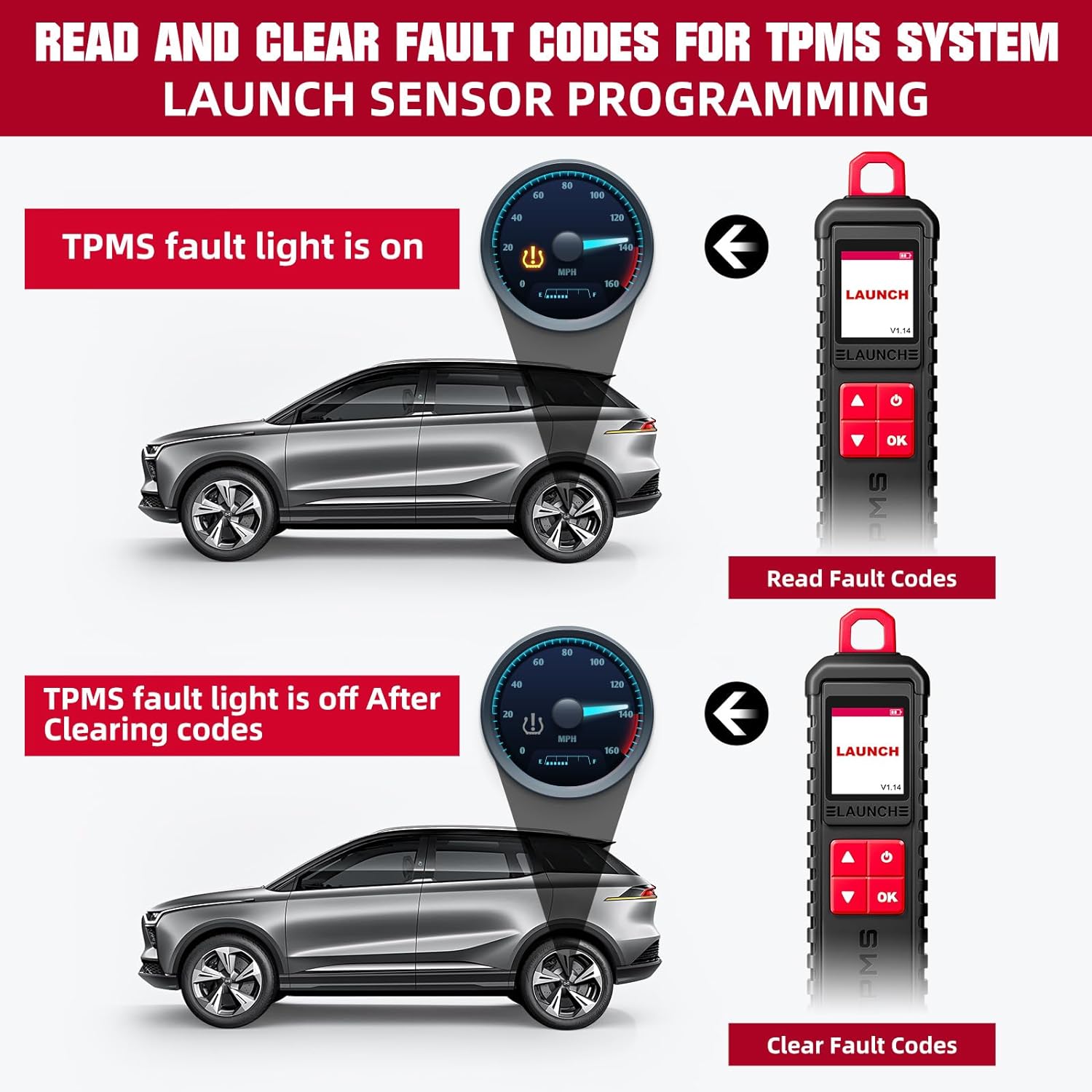
Read/Clear fault codes for tpms system, allows you clearly view the status of all TPMS sensors, and compare sensor and ECU data to instantly pinpoint system faults;

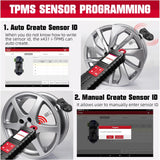
4 Modes to Program Launch Scanner:

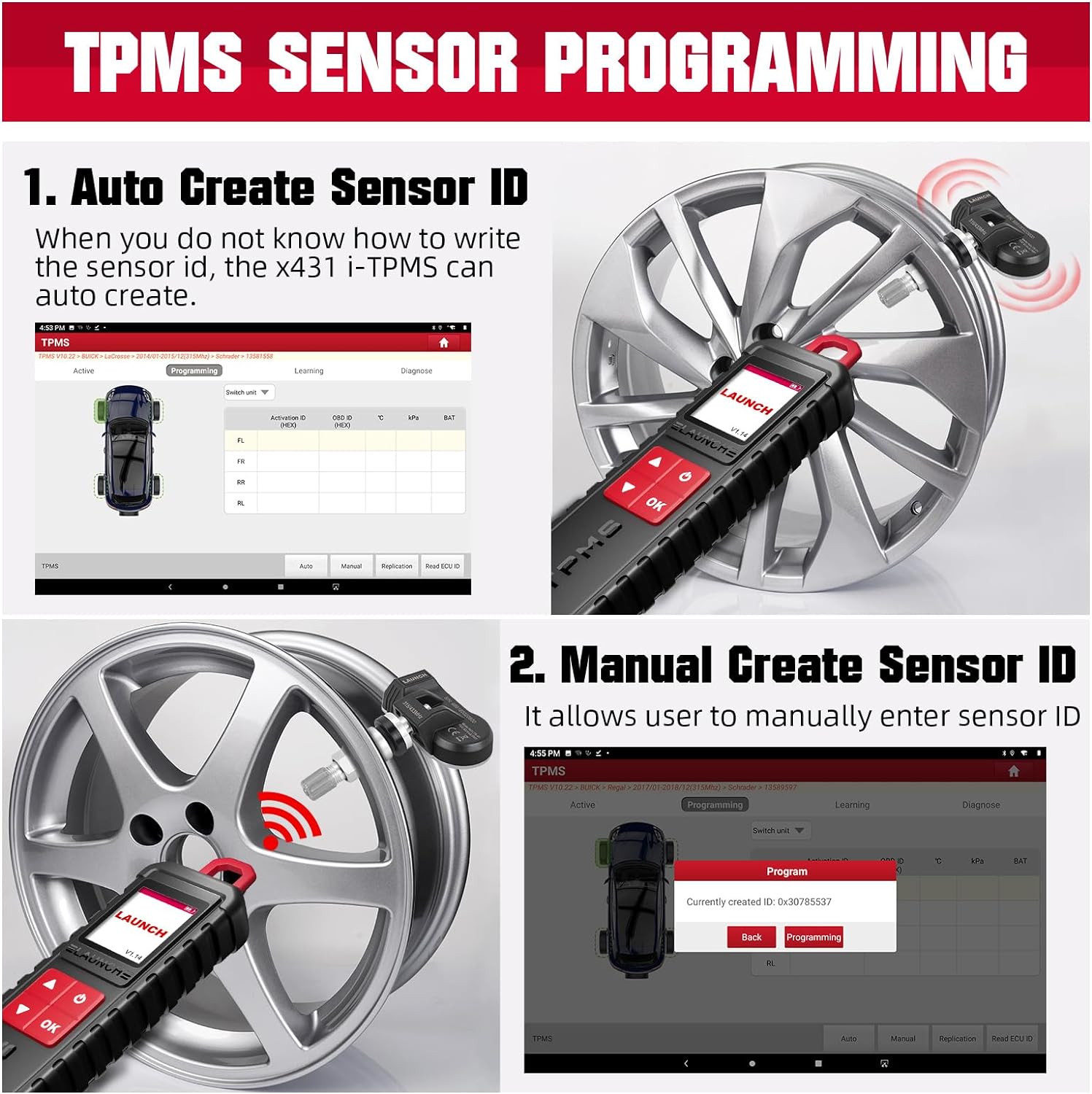
Auto Create : user can generate the sensor ID by click auto button

Manual Input : x431 tsgun support manually input the original ID or other ID.

Copy by OBD: it needs to connect OBD cable to retrieve the sensor ID from the ECU.

Copy by Activation: it requires activate the original sensors first.

3 Ways to Relearn Sensors:

Stationary Relearn requires the vehicle be placed in the learning mode, and the follow the on-screen prompts to complete it.

Automatic Relearn, for some vehicles, can be completed by driving. Refer to the on-screen learning steps to do the operation.

OBD Relearn directly writes TPMS sensor IDs to the TPMS module via the OBD connector.To perform relearn by OBD, firstly activate all sensors, and then use the diagnostic tool together with the included VCI to complete the learning steps following the on-screen instructions.

Comparison
Customer Review

Customer Reviews

Based on 31 reviews
100%
(31)
0%
(0)
0%
(0)
0%
(0)
0%
(0)
A
Anonymous
Great Tool

For the time being its a great tool. Love the phone app,Don’t need to poeer up the scan tool to find bad TPMS Sensos. great tool.

J
JettaRed
Professional grade tool

Another great Launch product. However, please beware that this it the TPMS interface sensor and requires either a Launch X431 scanner or an ANDROID phone/tablet to use. Once powered up, the tool connects to your scanner or Android device via Bluetooth. From there, you can select your vehicle to work with. As an iPhone guy, I would have been out of luck because I don't have the X431 scanner that works with this TPMS tool, but I do have a spare Android tablet that I was able to use. The tablet works well and I was able to use it to measure current tire pressures and generate reports that I can send to myself.The software program i-TPMS (app) that you need does NOT show up in the Google Play (store), so you do need to scan the QR code printed on the back of the device or in the User Manual to download and install on your Android device. I actually had to use a 3rd party QR code scanner since simply using the camera on my Android tablet did not cause the app to download. Once downloaded and installed, it was easy to connect to the TPMS device and use it to activate or program your TPMS sensors. I haven't tried it yet, but it appears you can clone an existing sensor with this tool so that full compatibility with a new sensor is assured. I did update the firmware using the i-TPMS app, selecting the "Tire PressureGauge".While Launch claims that this tool works with all 433MHz and 315MHz TPMS sensors, cloning may require using genuine or OE products.This is a professional grade tool. It is excellent for an independent repair shop or someone who has a lot of friends and family that need their TPMS sensors programmed. For a DIYer with a couple of cars in the garage, this may be overkill.Update: I was able to activate a set of new 433MHz TPMS sensors. These are aftermarket clones of Schrader TPMS sensors for GM products. I should be able to program them to work with other car brands, but will see. For now, I was able to read the sensor ID and current temperature. They were not installed yet.

J
JettaRed
Professional grade tool

Another great Launch product.However, please beware that this it the TPMS interface sensor and requires either a Launch X431 scanner or an ANDROID phone/tablet to use.Once powered up, the tool connects to your scanner or Android device via Bluetooth.From there, you can select your vehicle to work with.As an iPhone guy, I would have been out of luck because I don't have the X431 scanner that works with this TPMS tool, but I do have a spare Android tablet that I was able to use.The tablet works well and I was able to use it to measure current tire pressures and generate reports that I can send to myself.The software program i-TPMS (app) that you need does NOT show up in the Google Play (store), so you do need to scan the QR code printed on the back of the device or in the User Manual to download and install on your Android device.I actually had to use a 3rd party QR code scanner since simply using the camera on my Android tablet did not cause the app to download.Once downloaded and installed, it was easy to connect to the TPMS device and use it to activate or program your TPMS sensors.I haven't tried it yet, but it appears you can clone an existing sensor with this tool so that full compatibility with a new sensor is assured.I did update the firmware using the i-TPMS app, selecting the "Tire PressureGauge".While Launch claims that this tool works with all 433MHz and 315MHz TPMS sensors, cloning may require using genuine or OE products.This is a professional grade tool.It is excellent for an independent repair shop or someone who has a lot of friends and family that need their TPMS sensors programmed.For a DIYer with a couple of cars in the garage, this may be overkill.Update:I was able to activate a set of new 433MHz TPMS sensors.These are aftermarket clones of Schrader TPMS sensors for GM products.I should be able to program them to work with other car brands, but will see.For now, I was able to read the sensor ID and current temperature.They were not installed yet.

H
Heriberto Flores
Great for reprogramming

Easy to use with launch x431 scanner.Super easy to use—and it works perfectly with my Launch X431 Pro 5.Great for resetting sensors, reprogramming them, or figuring out what’s wrong when a sensor acts up. Feels solid and well-made—just like every other Launch tool I’ve used.Perfect for DIY or pro use. Highly recommend it!

J
Jonathan Rosado
Easy to use with Xlaunch tpms sensors.

Connects to the xlaunch tablet easily. Just to note: this will only work with Xlaunch tpms sensors. This is a versitle ecosystem of tools. thumbs up for the tools and customer service. I was able to read and clone my old sensors into the xlaunch sensor. This tool can also generate random sensor numbers to activate and program to the sensor.

Authorization file

Launchx431online.com is the official website of Shenzhen Daigete Electronic Technology Co., Ltd., which is the online agent authorized by LAUNCH.

LAUNCH Official Authorized Files

Shipping
✓ Speedy Order Processing
You will get the orders processed within 24 hours after payment confirmation (excluding weekends and public holidays).

✓ Local warehouse dispatch
Order from our UK and European websites for more details. Click the link below.

Please note that shipping fees may apply if an order is placed on a website that does not match the customer’s shipping region.

Region Shipping Location Estimated Delivery Time
United States PERTH AMBOY, NJ 3–5 business days
United Kingdom Dunstable 3–5 business days
European Ginsheim-Gustavsburg, Frankfurt 3–7 business days
Other Countries HongKong 7–15 business days

✓ Reliable shipments
You can count on fast, dependable delivery—we work with trusted international carriers like DHL, UPS, USPS, FedEx, and DPD to get your order to you safely.

Shipping Fee
Free Shipping On All Local Shipping Orders and No Tax.
Please note that your shipment may be subject to import taxes or customs duties when shipped to Canada or other countries (except the Local US, UK, and EU orders).

✓ Real-time tracking provided
You can track your shipment anytime at: Easy tracking number query

✓ Customs Duties & Import Taxes
To get your order through customs without delays—just make sure to enter your full address, recipient name, and phone number when you check out.
One more thing: if you need to return or exchange an item, any customs duties or import fees will be your responsibility, unless the item arrived defective, damaged, or was the wrong product.

✓Have Questions?
Response time: Within 24 hours, Monday–Friday

Tel: +1 (657) 244-6580
Company: Shenzhen Daigete Electronic Technology Co., Ltd.
Company address: Room 5401-46C, Tower 1, Phase III, Qianhai Excellence Financial Center, No. 5109 Menghai Avenue, Nanshan Subdistrict, Qianhai Shenzhen-Hong Kong Cooperation Zone, Shenzhen, Guangdong, China


30-Day Return or Replacement
Return Policy
30-Day Return Guarantee
All products purchased from our website come with a 30-day limited return and refund guarantee. If you are not satisfied with your purchase for any reason, undamaged products are eligible for return and refund within 30 days of delivery (except for items explicitly marked as non-returnable on our website)

Return Product Condition Requirements
  • Launchx431online Website Valid proof of purchase, including invoices or receipts with order numbers, is provided.
  • The original packaging must be intact and undamaged.
  • The product must be in new condition.
  • All original accessories (manuals, cables, promotional gifts, etc.) must be included.
  • Product labels, serial numbers, and water damage seals must show no signs of tampering or alteration.

Returns for Refunds
You can request a return within 30 days of receiving your order. The return period starts on the delivery date, so you don’t need to worry about shipping time reducing your window.
To request a return, simply email us at service@launchx431online.com. We’ll provide the correct return address or a return shipping label. Please ensure your item is sent back to the address we provide.
Please do not return any item without prior authorization. Unauthorized returns may not be accepted or processed.

Return Label
Please ensure to follow the return shipping requirements below:
  1. We provide free return shipping labels for RMA returns—one package per label. Please ensure the correct label is placed on the corresponding box by referring to the shipping weight printed on each label. Each shipping label is intended for one-time use on a single package.
  2. Securely package your return items in the original packaging and shipping box to prevent damage during transportation.
  3. Include all parts, accessories, and documentation in the package.
  4. Ship the unit within 30 days of receiving our RMA Label.

Return Charge
  • If the return is due to a product issue (e.g., damage, defect, malfunction, or wrong item received), don't hesitate to get in touch with us at service@launchx431online.com. We will cover the return shipping costs.
  • If the return is due to personal preference (e.g., dissatisfaction or change of mind), you may request a refund or exchange, but you will be responsible for the return shipping costs.
*For used and damaged returns (Over 30 Calendar Days), we may charge a 20% restocking and handling service fee. Service fee refers to additional costs incurred by the seller during the return process. The fee is calculated based on the total order price, including product tax, logistics, retrieval, repackaging, and restocking costs.

Refund policy
Order Cancellation
Orders can be canceled as long as they have not yet been shipped. Once you receive the package, you can either keep it or contact us to arrange a return. Please note that only full order cancellations are allowed; partial cancellations are not permitted.

Refund Processing Time
Once we receive and confirm your return, your refund will be issued within 2 business days to your original payment method. 

Warranty Policy
Two-Year Limited Warranty
The warranty period for LaunchX431online is 24 months. In each case, the warranty period is measured starting on the date of purchase by the original consumer purchaser. The sales receipt for the first consumer purchase, or other reasonable documentary evidence, is required to establish the start date of the warranty period.

Warranty Coverage and Policy
If the product experiences a performance failure during the valid warranty period, you are eligible to apply for warranty service.
For quality issues: During the warranty period, our Website will cover the cost of replacement or repair services. After the warranty period, only repair services are available, and no replacement will be provided.
For non-quality issues during the warranty period, our website will cover the cost of repair services. After the warranty period, repair services may still be provided for a partial compensation fee.
The warranty period is defined in the product's user manual and begins from the date of purchase, as shown on your invoice. Please retain your invoice as proof of purchase. (If a valid invoice is unavailable, the warranty period will be calculated from the product's manufacturing date.)

Warranty Replacement
For any defective product under warranty, you can contact our support team at service@launchx431online.com. Our team will assist with troubleshooting and, if eligible, arrange a replacement or a return.

Software Update Service Warranty
Once a software update order is placed, please send your device's S/N number and Order ID to our email. Our Support team will extend your update period online within 24 hours. This is a one‑time fee — no recurring charges.
Once the upgrade activation code has been used, we will be unable to provide any refunds.
Important Note: This update service is only applicable to devices purchased through online platforms. Please make sure the software update you purchase matches your current device model.

We are committed to providing our customers with unparalleled customer support before and after the sale.

Company: Shenzhen Daigete Electronic Technology Co., Ltd.
Company address: Room 5401-46C, Tower 1, Phase III, Qianhai Excellence Financial Center, No. 5109 Menghai Avenue, Nanshan Subdistrict, Qianhai Shenzhen-Hong Kong Cooperation Zone, Shenzhen, Guangdong, China

Website: https://www.launchx431online.com

You have successfully subscribed!
This email has been registered
ico-collapse
0
Recently Viewed
ic-cross-line-top
Top
ic-expand
ic-cross-line-top